
Your church does not need a budget to get online. It needs the right tool and a clear plan.
This guide shows you exactly how to build a church website for free, from picking the right pages to setting up M-Pesa giving that works even for members on basic phones.
How to Build a Church Website for Free: Step-by-Step
Here is the full process, broken into clear steps you can follow without any coding skills.
Step 1: Choose a Free Website Builder
Pick a platform that does not require a developer or a monthly fee to get started. Olitt offers a free plan with drag-and-drop building, a free starter domain, and free SSL on every site, no card required to begin.
A good builder for a church should let you add a donation button, an events calendar, and a sermon page without writing any code. For more on choosing the right platform, see Olitt’s guide on how to create a free website in Kenya.

Step 2: Pick a Template Built for Ministry
Olitt’s church and ministry templates are designed with the right layout already in place, a welcoming hero section, a place for service times, and space for your mission statement.
Choose a clean design that loads fast and reads clearly. Avoid templates packed with heavy animations, since these slow your site down and make it harder for volunteers to update later.
Step 3: Add Your Core Content
Write your homepage first. Keep your mission statement to one clear sentence — visitors decide whether to keep reading within seconds of landing on your site.
Add your About Us page next, including your beliefs and your leadership team. Then build your Sermons page, even if you only have a few messages to start with. A growing archive gives search engines fresh content to index over time, which helps your church show up in local searches.
Step 4: Set Up M-Pesa Giving
This is the step most international guides completely skip, and it carries real weight for a Kenyan church than almost anything else on this list.
M-Pesa giving works through USSD codes, which means donors do not need internet access to give. A member using a basic phone with no smartphone or data plan can still tithe directly from their handset.
Add a clear Giving page with your Paybill or Till number displayed prominently, along with simple instructions for both M-Pesa and card giving. Place a donate button in your main menu and on your homepage, the fewer clicks between deciding to give and completing the gift, the more people follow through.
Step 5: Build Your Events Page
Add a simple events calendar covering Sunday services, midweek Bible study, youth meetings, and any upcoming outreach programs. Keep listings updated weekly so members always see current information.
If your church runs recurring events like weekly Bible study, list the day and time clearly rather than burying it in a paragraph. Visitors scan for this information quickly.
Step 6: Make It Work in Swahili and Local Languages
Many Kenyan churches serve congregations who are more comfortable reading in Swahili or a local language than in English.
Offer key pages in English and Swahili, and consider local language sections for Dholuo, Kikuyu, or other languages spoken in your community. Kenyan web design specialists recommend accessible, multilingual design specifically for churches and NGOs serving diverse local congregations. This single decision can make your website genuinely useful to far more of your congregation than an English-only site ever would.
Use accessible design throughout, large text, strong color contrast, and simple layouts. This counts for elderly members and anyone with visual difficulty, and it costs nothing extra to build correctly from the start.
Step 7: Connect a .co.ke Domain and Go Live
Your free website typically comes with a starter domain like yourchurch.olitt.io. For a more professional address, connect a .co.ke domain, it signals to visitors and search engines that your church is local and established.
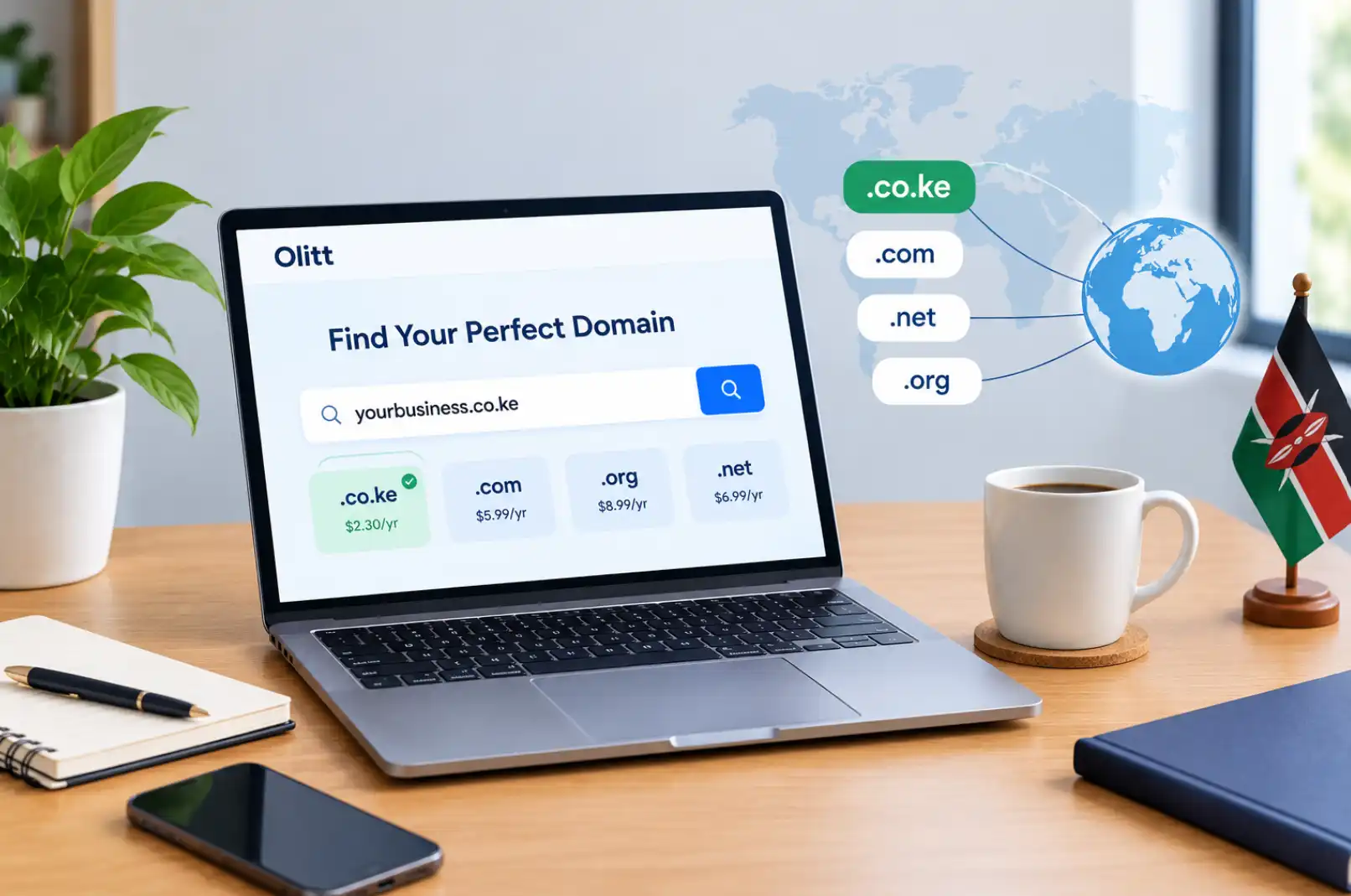
Search for your church name using Olitt’s domain search tool, check both the registration and renewal price before committing, see Olitt’s .co.ke domain price guide for a full breakdown, and connect it directly from the same dashboard you used to build your site.
Why Your Church Needs a Website Today
A church website is the new front door. Before someone visits in person, they search online first.
A Facebook page alone is not enough. You do not own that page. The algorithm decides who sees your posts, and old sermons and events get buried within days.
A website you own keeps your sermon archive, your service times, and your giving page in one place that never disappears. It works for new visitors searching online and for members who just need a quick reminder of Sunday’s start time.
What Pages Every Church Website Needs
Keep your first website simple. A clean five to seven page site works far better than one that tries to do too much at once.
Here are the pages to start with:
- Homepage — who you are and your mission, in one clear sentence
- About Us — your story, beliefs, and leadership team
- Sermons — audio or video messages members can revisit
- Events — upcoming services, Bible studies, and outreach programs
- Giving — a simple, secure way for members to donate online
- Contact — your address, phone number, and service times
Build with the first-time visitor in mind, not just your current members. A site full of insider terms and old announcements confuses newcomers and makes it hard for them to find service times or what to expect on their first visit. Industry research on church website design consistently shows that the first-time guest experience determines whether someone returns for an in-person visit.
Why Learning How to Build a Church Website for Free Saves Your Ministry Money
Hiring a developer to build a custom church website in Kenya can cost tens of thousands of shillings, plus ongoing fees for hosting and updates. Learning to build it yourself with a free tool removes that cost entirely while keeping full control in your hands.
Volunteers can manage updates without depending on an outside developer for every small change. This means your sermon archive, event listings, and announcements always stay current, since the person updating them is part of your own congregation.
What a Free Church Website Builder Should Include
Not every free builder offers the same value. Here is what to check for before you commit your time to one.
| Feature | Why It Counts for a Church |
| Free SSL certificate | Secures your site and builds visitor trust |
| Drag-and-drop editor | Lets non-technical volunteers manage updates |
| Mobile-friendly design | Most visitors check service times from a phone |
| Donation button support | Makes online giving simple from day one |
| Free starter domain | Lets you launch with zero upfront cost |
| Fast loading speed | Keeps visitors from leaving before the page loads |
Olitt includes all of these on its free plan, along with a global content delivery network across more than 42 points of presence, which keeps load times fast even for visitors on slower connections.
Common Mistakes Churches Make Building Their First Website
i) Designing Only for Current Members
A site written entirely in church jargon, with no explanation of basics like service times or what a first visit looks like, leaves newcomers confused. Always write your homepage and About page for someone who has never set foot in your church before.
ii) Choosing a Template With Too Many Animations
Heavy animations slow your page down and make updates harder for volunteers who are not technical. A clean, readable design almost always outperforms a flashy one for both visitor trust and search ranking.
iii) Forgetting to Add a Donation Option From Day One
Many churches launch their first site without a giving page, planning to add it later. Add it from the start — even a simple M-Pesa Paybill number on your Giving page captures donations you would otherwise miss.
iv) Letting the Domain Lapse
A domain that expires takes your website offline, often right before a major event like Easter or a church anniversary. Enable auto-renew the day you connect your domain so this never happens.
How Other Kenyan Churches Are Using Their Websites
Across Kenya, churches that add even basic digital tools see real results. A church that adds a livestream page alongside a clear donation button often sees a meaningful jump in online giving during high-attendance seasons like Easter and harvest month.
Similarly, ministries that embed sermon audio alongside WhatsApp group links for follow-up tend to see stronger ongoing engagement, since members can revisit a message and connect with a small group from the same page.
None of this requires a large budget. It requires a clear plan, the right free tools, and a site built with your actual congregation in mind.
Frequently Asked Questions
Can I really build a church website for free in Kenya?
Yes. Olitt offers a free plan that includes a drag-and-drop builder, a free starter domain, and free SSL on every site. You can upgrade later if you want a custom .co.ke domain or additional features, but a fully functional site costs nothing to start.
Do I need coding skills to build a church website?
No. If you can use a word processor, a social media page, and email, you already have the skills needed for a drag-and-drop builder like Olitt. Templates handle the layout you focus on adding your content.
How long does it take to build a church website?
A simple five to seven page site using a template builder like Olitt can be built and published within a single afternoon. Gathering your content beforehand, photos, mission statement, and sermon files, speeds this up significantly.
Should my church use a .co.ke or .org domain?
For Kenyan churches, .co.ke is widely recognized locally and gives your site a stronger local search signal. Some ministries also use .or.ke, which is reserved for non-profit and faith-based organizations and can add credibility with donors and partners.
Start Building Your Church Website Today
Building your free church website does not require a large team, a developer, or months of planning. It requires a clear set of pages, a builder suited to non-technical volunteers, and a giving page that works for every member regardless of what phone they carry.
Start with Olitt’s free website builder, choose a ministry template, and have your homepage, sermons page, and M-Pesa giving page live before the day is out. When you are ready for a professional address, connect a .co.ke domain through Olitt’s domain search tool and give your congregation a digital home that is truly yours.