
Starting a business often requires a lot of capital. So, by the time you’re ready to build your website, you may have already run out of cash.
But that doesn’t mean you can’t have a website. Today, you can build one for free.
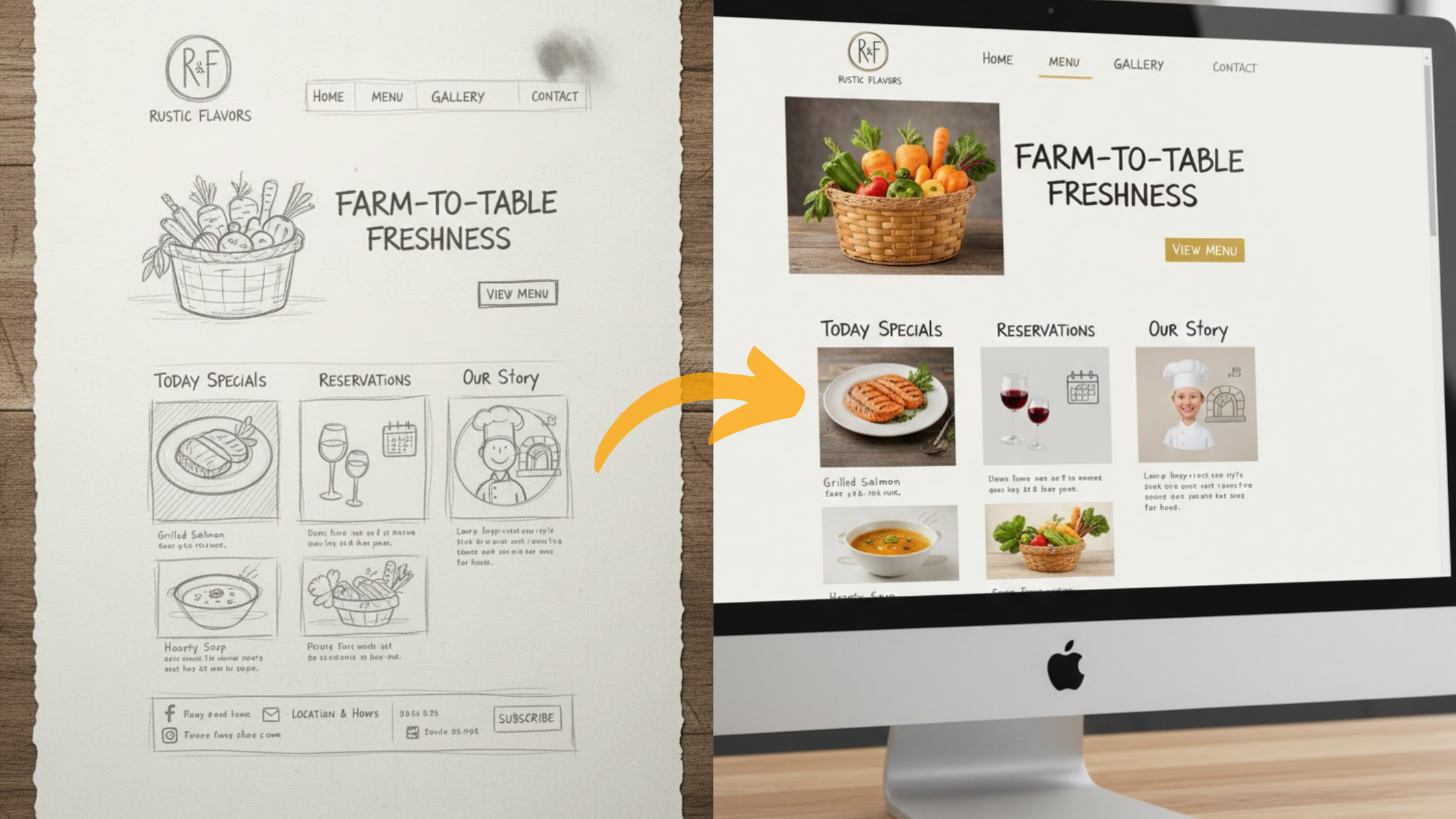
AI website builders have made the process simple and fast.
They can turn your ideas into ready-to-launch websites without any technical or design skills.
If you’re wondering which AI website builder is free and worth your time, this guide will help.
We reviewed seven of the best options for 2025, starting with our top pick, Olitt AI.
It’s perfect for beginners who want to create as many free sites as they need, with no hidden fees.
In this guide, you’ll find detailed pros and cons, step-by-step setup instructions, and tips to help you choose the best tool for your goals.
We’ll also explain common free-plan limits so you know exactly what to expect.
Here’s what’s ahead:
- The seven best free AI website builders, ranked by features and ease of use
- A short guide on how each one works
- A comparison table to help you choose
- Smart advice on when to upgrade
Let’s get started.
1) Olitt AI
If you want to create a website in minutes without paying, Olitt AI is your best option.
It’s our top choice because it allows you to build unlimited free sites forever.
This is great if you want to test different ideas or run multiple small projects.

Why Choose Olitt for Your First Site?
Olitt stands out for its simple process. You describe your business, for example, “a small bakery in Nairobi,” and the AI creates a full website for you.
It includes pages, a logo, and text designed to match your business type.
The free plan gives you real value: up to 10 pages per site, 5GB of storage, and a branded subdomain like yourname.olitt.com.
You also get free SSL for security, and your website stays free from ads.
How Olitt’s AI Builds Your Site Step by Step
You can get started in under 10 minutes:
- Sign up for free at olitt.com — no credit card needed.
- Chat with the AI and describe your goal, style, and details.
- Watch the AI create your site with layouts, text, and images.
- Use drag-and-drop tools to make quick changes.
- Publish your site on a secure subdomain instantly.
Users praise how fast it works.
Pros and Cons at a Glance
- Pros: Unlimited websites, flexible export to WordPress, perfect for testing business ideas.
- Cons: Free plan limits you to 10 pages and lacks advanced analytics.
Upgrading starts at only $2 per month, giving you a custom domain and more storage.
If you want something fast and reliable, Olitt is the answer to which AI website builder is free and practical.
2) Wix AI
If you want more features such as stores or appointment bookings, Wix AI is a great choice.
It’s one of the most trusted names in website building and has been used by millions of people.

What Makes Wix Stand Out in Free Mode?
Wix allows unlimited pages on the free plan, but storage is limited to 500MB.
You get a Wix-branded subdomain, free hosting, and built-in SEO tools.
It’s a good fit for blogs, portfolios, or small businesses. The free plan even includes 24/7 chat support so you’re never left stuck.
Step-by-Step: Building with Wix AI
Follow these steps to get started:
- Visit Wix and choose “Create with AI.”
- Answer a few questions about your site type and purpose.
- The AI designs your website with matching text and images.
- Edit using the drag-and-drop builder.
- Publish on your free Wix subdomain — ads appear, but they’re small.
Quick Pros, Cons, and Who It’s For
- Pros: Many built-in apps for growth and customization.
- Cons: Ads on free plans and no custom domain without upgrading.
Paid plans start at $17 per month if you want a more professional setup. Wix proves that which AI website builder is free doesn’t have to feel basic.
3) Framer AI
If design is your strength, Framer AI is made for you.
It helps you skip the blank-page struggle with beautiful layouts that fit your creative projects.

Key Free Features That Spark Ideas
Framer’s free plan includes unlimited projects on a .framer subdomain.
It creates responsive designs, wireframes, and even offers translation features for global audiences. You’ll also find built-in analytics.
Your Guide to Framer’s AI Process
Here’s how to use it:
- Sign up for free and tell the AI what you need, like “a portfolio for a graphic designer.”
- The AI builds the full site with ready-to-use sections.
- Customize with animations and effects using the Workshop tool.
- Add translations in one click.
- Publish without watermarks.
Hits and Misses
- Pros: Clean, modern visuals and lots of creative freedom.
- Cons: Harder for beginners and lacks advanced business tools on the free plan.
For designers, Framer leads the pack when people ask which AI website builder is free for visual creators.
4) Dora AI
If you want a website that looks exciting and modern, Dora AI is a good pick.
It allows you to add 3D animations and interactive elements without writing any code.

Free Perks That Impress
The free plan gives you access to templates and AI-generated landing pages.
It’s responsive on all devices and ideal for freelancers who want to stand out.
How to Craft a 3D Site in Minutes
Here’s the process:
- Create a free account at dora.run.
- Tell the AI what you want, like “a 3D product demo page.”
- The AI builds it with animations and effects.
- Use the drag tools to adjust visuals.
- Publish your site — the free plan includes a watermark.
Strengths and Weaknesses
- Pros: Eye-catching 3D visuals and fast results.
- Cons: Watermarks on the free plan and limited editing flexibility.
Dora is great for creators who want something unique while exploring which AI website builder is free for visual experiences.
5) 10Web AI
If you love WordPress but want AI speed, 10Web gives you both. It lets you build a site with AI and then edit it within WordPress.

What’s Free and What’s Paid
You can use it for free during a 7-day trial. It includes hosting, SSL, and WooCommerce integration for online stores. After the trial, pricing starts at $10 per month.
Building Your Site: The 10Web Way
Here’s how it works:
- Describe your project, like “a fitness blog with memberships.”
- The AI builds your entire site, including design and content.
- Use the built-in Co-Pilot chat to add pages or improve text.
- Edit easily in WordPress.
- Publish and test your site before the trial ends.
Upsides and Limits
- Pros: Full WordPress control and great hosting speed.
- Cons: Only a 7-day free trial and no permanent free plan.
If you plan to grow quickly, 10Web is a good start for which AI website builder is free with professional tools.
6) Butternut AI
If you want a fast setup, Butternut AI promises to build a site in under 30 seconds.
The free plan comes with hosting and doesn’t require a credit card.

Standout Free Tools
It supports unlimited pages and edits with 10GB of storage on a subdomain. The AI can also write blog posts and connect to Stripe for payments.
From Prompt to Publish: Easy Steps
Follow this guide:
- Go to butternut.ai and start for free.
- Type your idea, such as “a real estate website with listings.”
- The AI creates layouts, text, and images.
- Customize colors and layout as you like.
- Launch with built-in SSL and SEO.
A real estate agent shared, “Butternut built my leads page overnight.”
Pros, Cons, and Fit
- Pros: Very fast and includes smart AI tools.
- Cons: Free plan only supports subdomains and limited hosting.
Paid plans start at $20 per month. Butternut is ideal for busy professionals looking for which AI website builder is free and efficient.
7) Jimdo AI
If you’re completely new to building websites, Jimdo AI is one of the easiest platforms to use.
Its Dolphin AI guides you through simple questions to build your site.

Free Essentials You Can Count On
The free plan includes 5 pages, 500MB of storage, and a branded subdomain.
You get SSL security and mobile-ready designs. Ads are present but minimal.
Jimdo’s AI in Action: Your Quick Build
Here’s what to do:
- Sign up for free.
- Answer the AI’s questions about your project.
- The AI builds your site with text and images.
- Make light edits.
- Publish on your free subdomain.
The Good and The Limitations
- Pros: Very easy to use and great for mobile.
- Cons: Limited pages and no eCommerce features on the free plan.
Plans start at $11 per month. Jimdo is best for beginners who want to learn while exploring which AI website builder is free and simple.
Limitations of Free AI Website Builders
Free website builders are great for starting out, but they come with limits.
Most free plans include branded domains like yourname.builder.com instead of your own domain name.
Many also show ads or limit storage to between 500MB and 5GB.
You may also face restrictions on the number of pages or features.
For example, SEO tools are often basic, and customization options are limited.
Here’s a quick comparison table:
| Builder | Pages (Free) | Storage | Ads/Watermarks |
| Olitt AI | 10 | 5GB | None |
| Wix | Unlimited | 500MB | Yes |
| Framer | Unlimited | Basic | None |
| Dora AI | Limited | Basic | Watermark |
| 10Web | Trial Only | Trial | None |
| Butternut | Unlimited | 10GB | None |
| Jimdo | 5 | 500MB | Yes |
Tip: Start free and monitor your traffic. Once you begin attracting visitors or clients, consider upgrading. Among all, Olitt gives the most flexibility for long-term use.
Pick Olitt and Launch Today
You now have a clear idea of the best free AI website builders.
Olitt offers the best balance of value, freedom, and ease. Wix gives you great tools, and Framer is perfect for designers.
If you want a site that’s fast to create and free to run, visit olitt.com and start building today. Your online presence can begin right now.
FAQs
Is Olitt truly free forever?
Yes. You can create unlimited sites without a card. You only pay for extras like custom domains.
Which free AI builder suits eCommerce?
Try Butternut or 10Web — both allow payment setup easily.
Can I export sites from free plans?
Yes. Platforms like Olitt allow WordPress export, but always check details.
Do free sites have ads?
Some, like Wix and Jimdo, include ads. Olitt does not.
Which is best for beginners?
Olitt and Jimdo are the easiest for first-time users.