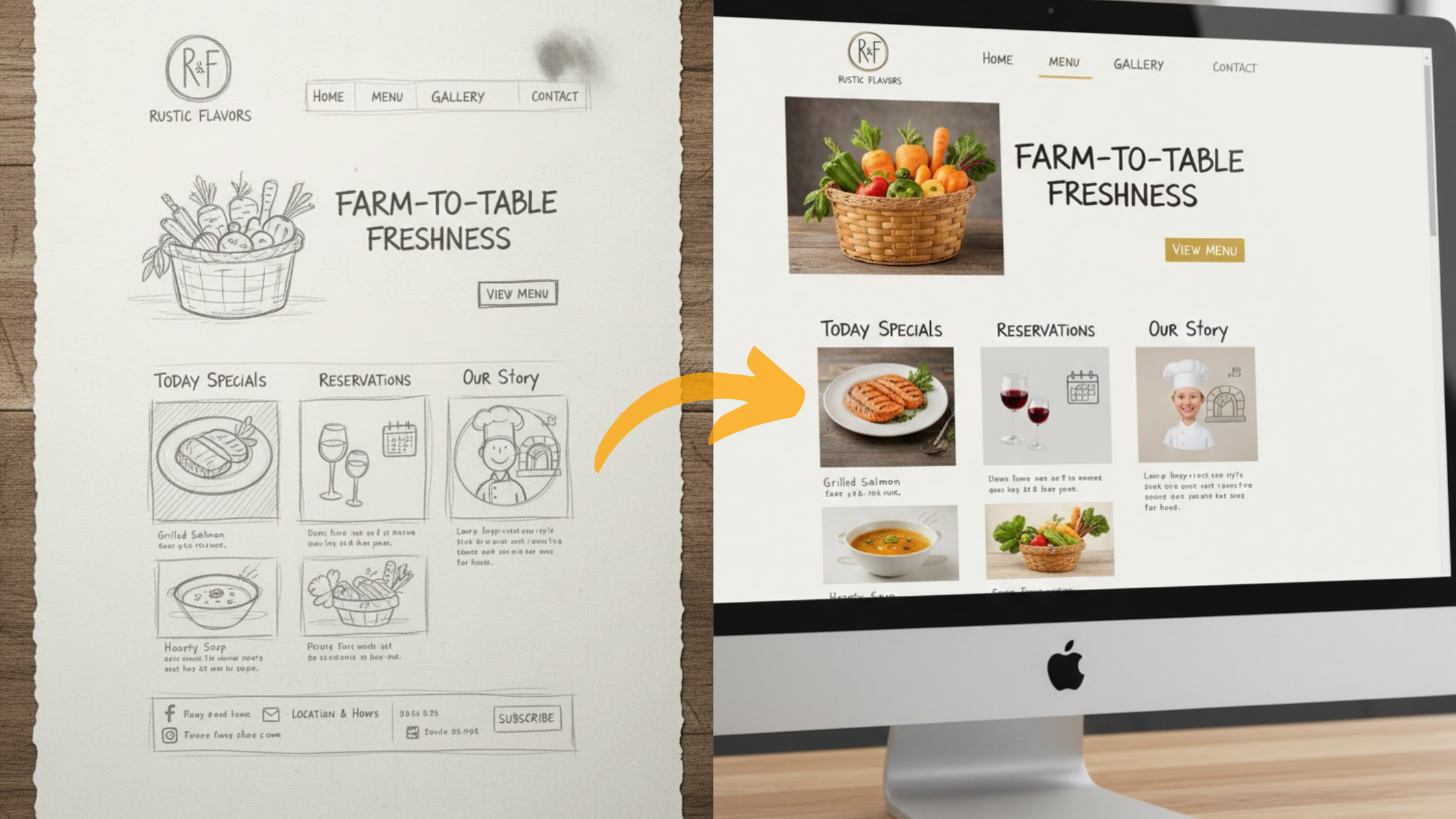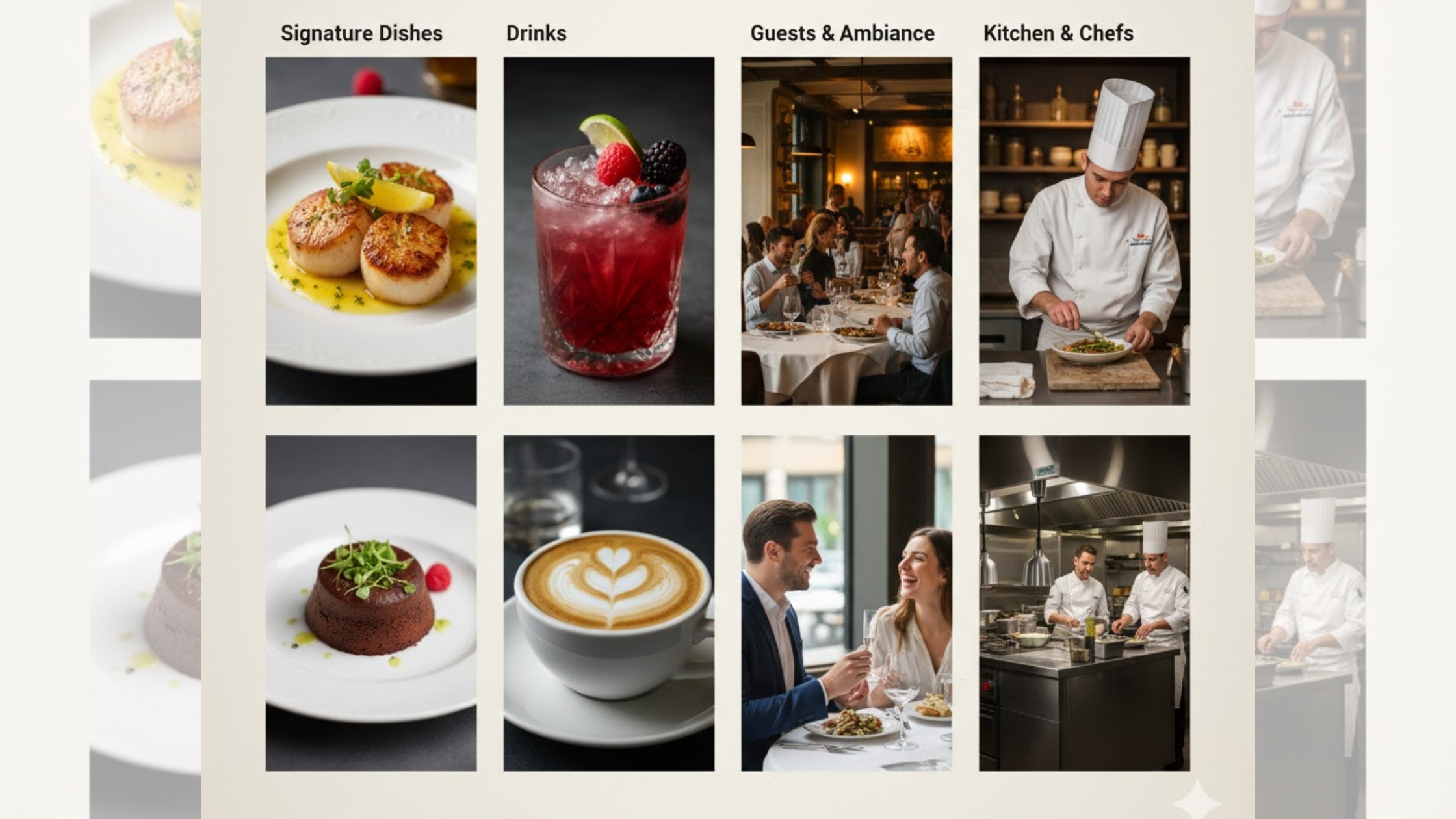

When you have a website for your restaurant, managing everything becomes easier. And yes, you can build a Wix restaurant website using AI.
Imagine it’s a busy Saturday evening. Every table is full, and a new group calls asking for a last-minute reservation.
At the same time, another customer wants to place a takeaway order.
Without a proper website, you might lose both to a competitor who’s just one click away.
Running a restaurant is no small task. You’re juggling orders, managing staff, and handling constant phone calls.
A strong online presence helps reduce the pressure. It allows customers to browse your menu, book tables, or order ahead, all without needing to call.
That’s why having a restaurant website is so important. Tools like Wix AI Builder make it simple to create one, even if you’re not a tech expert.
The platform utilizes artificial intelligence to ask you a few questions, then builds a comprehensive website based on your responses.
It’s easy to use, but it has some limitations, especially for busy restaurants that require more than just a basic site.
In this guide, you’ll learn:
- How Wix AI Builder works
- The main strengths and weaknesses of the platform
- Why Olitt AI Builder can be a better option for restaurants that need a tailored website
Let’s learn more about how to turn clicks into customers.
What Is Wix AI Website Builder?
If you want a professional-looking website without the stress of design or coding, Wix AI Builder is a good place to start.
It asks you questions about your business, such as your restaurant type, style, and services, and then builds a personalized website in minutes.
It’s like an assistant. You provide the details, and it handles the layout, pages, and design.

For example, if you say you own a cozy taco restaurant with outdoor seating.
It might create pages for your menu, contact info, and a table booking form, all matched to your brand.
You don’t need any coding skills. The platform uses ready-made templates and tools like photo galleries and online order forms.
This can save you hours of setup time and help you focus more on running your business.
Let’s break down some of the main features that help restaurants.
Key Features for Restaurants
When you start, Wix AI opens a simple chat window. You describe your restaurant, and it automatically builds a full draft website.

A complete site with a home page, about page, and menu.
Here are the main benefits:
- Automatic content creation: Wix writes basic text about your restaurant, such as “Fresh farm-to-table meals in downtown.”
- Quick design changes: You can instantly adjust colors, fonts, and layouts to match your logo and theme.
- Built-in tools: Add features like a map for directions, a feedback form, or a contact button in a few clicks.
For restaurant owners, menu display is a standout feature. You can upload your food list, and Wix formats it neatly.
It even suggests adding photos to showcase your best dishes.
Many users say the setup feels smooth and beginner-friendly.
They like how the templates look professional from the start, which saves time for owners who are busy with day-to-day operations.
Pricing For Wix
Wix allows you to start building your restaurant website for free. However, to go live and access all features, you’ll need to upgrade.

Here’s a quick look at the pricing:
- Light Plan ($17/month): Includes a custom domain and basic payment tools.
- Core Plan ($29/month): Offers more storage for high-quality images and videos.
- Business Plan ($39/month): Unlocks advanced marketing tools and analytics.
There are no hidden fees, but the free version displays Wix branding and lacks some key features like online payments.
Step-by-Step Guide For a Wix Restaurant Website
You don’t need any design experience. Wix AI makes website creation as simple as following a recipe.
Here’s a walkthrough using a sample restaurant, let’s name it Grill Masters, a new burger spot looking to showcase its menu and accept reservations.
Step 1: Start the AI Chat
Go to Wix.com and click Create with AI.

The AI will ask you a few questions:
- What kind of creation experience are you looking for? (We will use AI website creation)
- What is your site all about?
- What is the name of your burger spot?
- What type of content are you looking to showcase on your site?
Type your answers. For example:
“Grill Masters serves juicy burgers and craft beers, and accepts group bookings.”

Within seconds, Wix drafts a website for you. The entire process takes less than five minutes.
Step 2: Review the Site Outline

Wix will show you a summary of your site. This includes suggested pages such as:
- Home Page (with a hero image)
- Menu Page (organized sections for starters, mains, drinks, and desserts)
- Reservations Page (a simple booking calendar)
- Contact Page (map, opening hours, and contact form)
Review the outline to ensure it matches your brand tone. You can rewrite the description or regenerate a new version if it doesn’t feel right.
Pro Tip: Add small details like “family-friendly patio” or “live music on weekends.” The more accurate your info, the better your site feels.
Step 3: Customize Your Website
Now it’s time to personalize your website.
- Menu Section: Upload your menu in PDF format or type it manually. You can also add prices, descriptions, and images. Example: “Our Signature Burger is made with grass-fed beef, aged cheddar, and house sauce.”
- Photos: Upload your own food images or use Wix’s AI photo tool to generate visuals if you don’t have professional shots.
- Reservations: Connect Wix Bookings to let customers reserve tables online. You’ll receive an email for each booking.
- Online Orders: Turn on the online store feature for pickup or delivery options. It supports secure payment gateways like PayPal or Stripe.
Spend 20–30 minutes refining each page. Don’t forget to preview your site on mobile. Over 60% of restaurant searches happen on phones.
Step 4: Optimize and Launch

Before publishing, use Wix’s built-in SEO tools. Add keywords such as “best burgers in [your city]” to help your site rank on Google.
Then hit Publish. You can start with a free domain (e.g., grillmasters.wixsite.com) and upgrade later to a custom domain like grillmasters.com.
Wix also includes analytics to show visitor numbers, top menu clicks, and booking rates.
Many restaurant owners report building their website in under an hour and seeing more reservations shortly after launch.
Pros and Cons of Wix AI for Restaurant Websites
Wix AI is fast and convenient, but it’s not perfect. Here’s a breakdown of what to expect.
Pros
- Quick Setup: Build a full site in minutes through a simple chat.
- All-in-One Features: Menus, bookings, and online orders are included—no need for extra tools.
- Professional Templates: Eye-catching designs that work well on both desktop and mobile.
- SEO & Analytics: Helps your restaurant rank locally and track customer interest.
A 2025 review highlighted how Wix AI allows small business owners to “launch beautiful websites without coding.”
This makes it ideal for busy restaurant owners.
Cons
- Paid Upgrades Needed: The free version includes Wix branding and lacks key features like online payments.
- Generic Designs: The AI may not fully capture your restaurant’s personality.
- Learning Curve: Advanced customization takes time to master.
- Limited Restaurant Features: Lacks deep restaurant integrations, such as POS syncing or real-time order tracking.
| Feature | Pros | Cons |
| Speed | Quick to build | May need extra time to refine |
| Cost | Free to start | Premium plans required for core features |
| Design | Professional templates | May need manual edits |
| Functionality | Menu and booking tools | Lacks advanced restaurant automation |
Overall, Wix AI is great for beginners but might not meet the needs of restaurants looking for smart automation and tailored tools.
A Better Alternative Is Olitt AI Builder
If you want a tool designed specifically for restaurants, Olitt AI Builder is a stronger choice.
Unlike general AI builders, Olitt focuses on food businesses, helping you handle reservations, menu updates, and online orders seamlessly.
You can try it free at Olitt AI for Restaurants.
Why Olitt Stands Out

Olitt AI feels like talking to a restaurant consultant.
You tell it your cuisine type, location, and services, like delivery or dine-in, and it builds a website that matches your exact vibe.
Here’s what sets it apart:
- Food-Focused AI: Upload your dish photos, and Olitt automatically creates menus with item descriptions, allergens, and prices.
- Smart Bookings: Predicts no-shows and sends reminder messages to customers.
- Seamless Integrations: Connects with delivery platforms like DoorDash and POS systems in a few clicks.
- Actionable Analytics: Understand your busiest times, top dishes, and customer trends.
It’s built by people who understand restaurant operations. That’s why it helps increase bookings and improve online orders from day one.
Affordable Pricing
Olitt offers a free plan that allows you to build and publish a website using its AI builder.
If you want more features, you can upgrade to a premium plan.
Paid plans include benefits like connecting your own domain, removing Olitt branding, and getting more storage.
Olitt also provides a 30-day money-back guarantee, so you can try premium features with confidence.
With Olitt, your website feels personalized, like it was made by someone who understands your kitchen.
Wix AI vs. Olitt AI: Head-to-Head Comparison
| Feature | Wix AI Builder | Olitt AI Builder |
| Setup Time | 5–10 minutes | Under 5 minutes |
| Menu Tools | Basic formatting | AI photo-to-menu with auto-descriptions |
| Reservations | Email confirmations | AI predictions & text reminders |
| Online Orders | Basic store | POS integrations & analytics |
| Pricing (Starter) | $17/month | $19/annually |
| Best For | General businesses | Restaurants & food brands |
Olitt offers deeper restaurant functionality, helping owners handle real-world challenges like rush-hour management and menu automation.
Quick Start with Olitt AI
You can get started in three easy steps:

- Visit olitt.com to start building.
- Share details about your restaurant’s cuisine, location, and services.
- Review your site, customize it, and publish.
That’s it. Your restaurant website will be live in minutes, ready to attract customers while you focus on your kitchen.
Conclusion
Yes, you can build a restaurant website with Wix AI Builder. It’s fast, user-friendly, and includes essential tools like menus and booking forms.
But if you want more like smart restaurant features, deeper integrations, and data-driven insights, Olitt AI Builder is the better choice.
Restaurants that use AI-driven tools see up to 30% more online traffic and higher customer satisfaction. Don’t let a basic website hold you back.
Try Olitt AI for Restaurants today click here to get started. Build your site, grow your bookings, and focus on what you do best—serving great food.
FAQs
1) Can I really build a restaurant website on Wix for free?
Yes. Wix lets you create and preview your site for free. You’ll need a paid plan to remove ads and connect a custom domain.
2) How does Olitt handle online orders better than Wix?
Olitt integrates directly with POS systems and delivery services. It also uses AI to predict peak hours and order volumes.
3) Is Wix AI good for restaurants with multiple locations?
It can work, but you’ll need manual setup. Olitt supports multi-branch layouts and maps automatically.
4) What’s the biggest downside of Wix for restaurants?
Wix’s AI is general-purpose, so you’ll spend time customizing it for food businesses.
5) How long does it take for an Olitt site to rank on Google?
Usually, a few days, especially when you use local SEO keywords like “best Italian restaurant in [city].”