No-Code AI Website BuildersA few years ago, creating a website meant you had to know how to code or hire a professional developer. There were no code website builders.
But things have changed. Today, you don’t need any coding skills to build a website.
AI website builders now make the process simple and fast. In the past, building a website was expensive.
This is because it required hours of coding or paying developers who often charged high fees and took a long time to finish the work.
For many small business owners and creators, time is limited, and building an online presence can feel difficult.
But thanks to technology, you can now turn your ideas into fully functional websites without touching a single line of code.
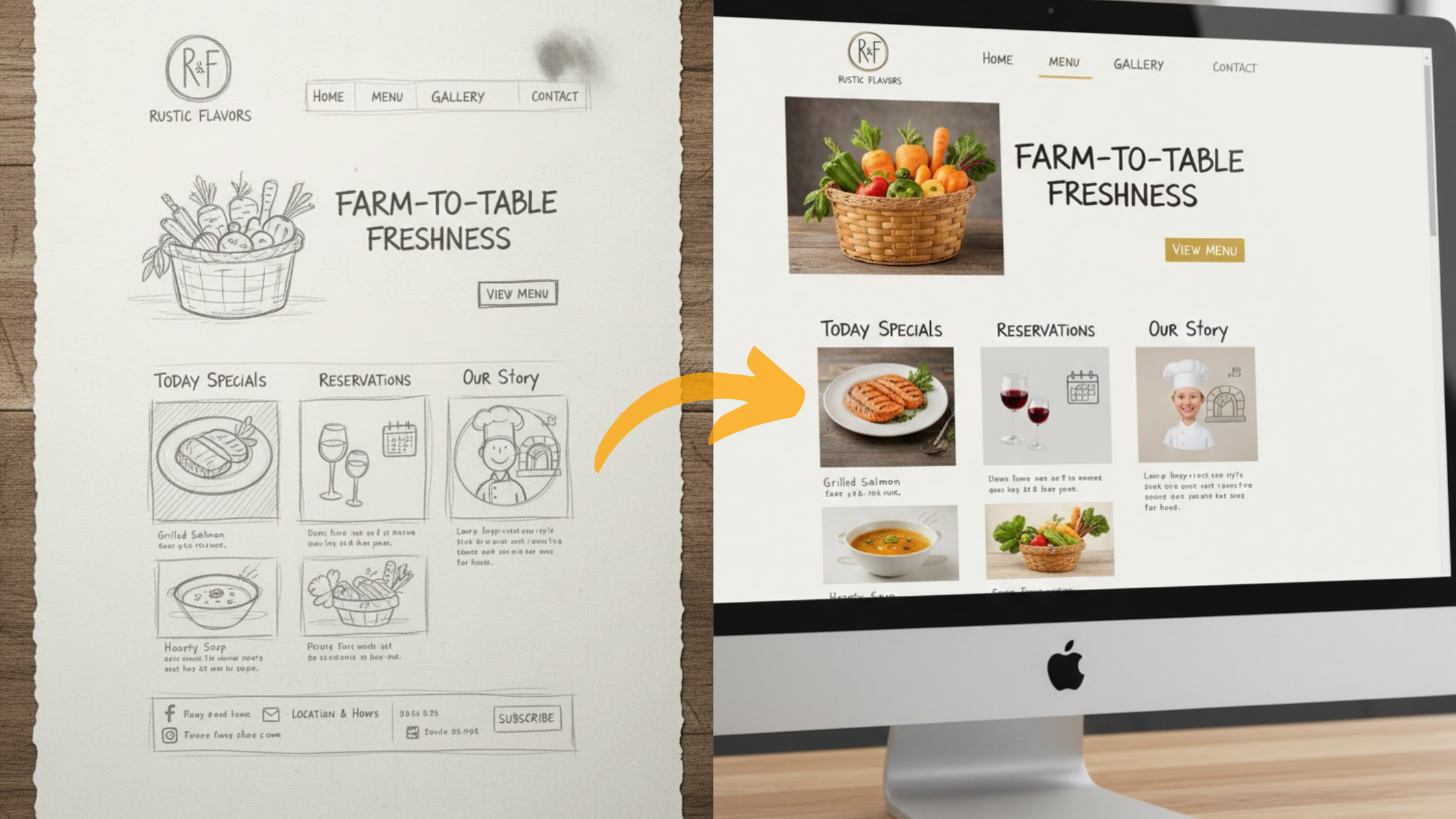
With AI-powered, no-code website builders, all you need to do is describe your vision in plain language, and the system will automatically create your site for you.
In this guide, you’ll learn everything you need to know about these tools, how they work, and which ones are the best in 2025.
Here is what to expect:
- A simple explanation of AI website builders
- Key benefits for users and businesses
- How we selected the best platforms
- A closer look at seven leading options
- Tips for choosing the right one
- Answers to common questions
By the end, you will feel confident about building your own site easily and affordably.
What is an AI Website Builder?
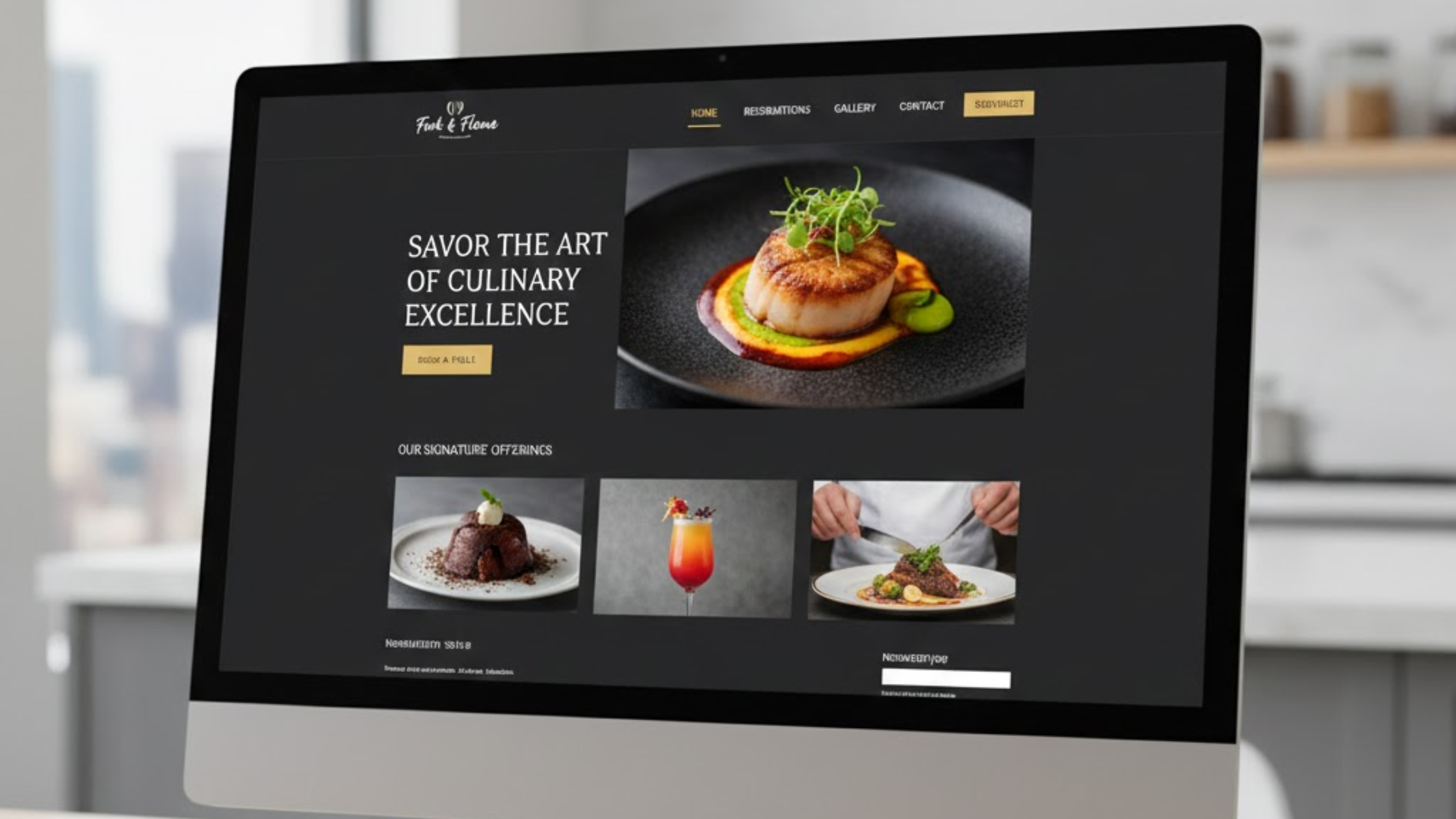
Imagine typing a short description of your coffee shop. Within minutes, a complete website appears, including pages, images, and contact forms.
That is what an AI website builder does. It combines the ease of no-code tools with artificial intelligence that understands your words and creates designs automatically.

No code website builders already allow you to drag and drop elements without programming.
AI improves this process by analyzing your input, generating layouts, writing text, and even choosing color schemes that match your style.
In earlier years, no-code builders only offered simple templates.
By 2025, however, AI can now create custom designs in real time using advanced generative models.
The process usually looks like this:
- You answer quick questions or describe your idea to the AI.
- The AI generates a website draft with pages and content.
- You make small adjustments using simple visual tools.
Most AI website builders also include mobile-friendly layouts and basic SEO tools from the start.
Recent data shows that over 70% of small businesses now use AI tools to launch their websites faster.
This technology helps reduce errors and shortens development time dramatically.
Benefits of Using an AI Website Builder
Using an AI website builder brings several advantages that can save you time, money, and effort.
1. Faster Launch Time
Traditional website projects often take weeks to complete. With AI tools, you can launch in a few hours. This allows you to focus more on customers and marketing.
2. Lower Costs
Hiring a professional developer can cost over $5,000. Most AI builders start below $20 per month, and many include hosting and templates.
3. Simplicity for Everyone
You do not need design or technical skills. The AI adapts to your input and can reflect any style—from a modern tech company to a cozy bakery.
4. Smart Personalization
Some tools personalize content for each visitor. Studies show personalized pages can improve conversion rates by up to 20%.
5. Built-in SEO Support
AI builders often optimize your site’s structure, headings, and images automatically, helping your site perform better on search engines.
6. Scalable Design
You can start with a simple site and expand it later by adding e-commerce, blogs, or booking systems without rebuilding from scratch.
However, like all tools, AI builders have some trade-offs.
| Benefit | Why It Helps | Limitation |
| Fast Setup | Build a complete site within minutes | May need fine-tuning for perfection |
| Cost-Effective | Avoid developer fees | Premium tools can add costs |
| Beginner-Friendly | No design or coding required | Less control for professionals |
| Personalized Experience | AI adapts content for users | Quality depends on input accuracy |
These benefits make no code website builders an excellent choice for entrepreneurs and creators looking to save time and reduce complexity.
The Criteria We Used to Come Up with the List
We tested over 20 AI website builders in 2025 to identify the best options for different types of users.
Our goal was to find platforms that balance simplicity, power, and value. We focused on features that matter to real users instead of marketing hype.
Here is the evaluation breakdown:
- AI Intelligence (30%): How effectively the tool creates layouts, content, and design suggestions.
- Ease of Use (25%): How quickly a beginner can build a website without technical skills.
- Features (20%): Quality of templates, integrations, and mobile optimization.
- Value for Money (15%): Affordability and flexibility of available plans.
- Customer Support (10%): Availability of tutorials, live chat, and community resources.
We also checked how each platform updates its AI technology in 2025, focusing on faster performance and ethical design use.
| Platform | Starting Price | Best For |
| Olitt AI | Free trial | Fast startup sites |
| Wix AI | $16/mo | General use |
| Hostinger AI | $2.99/mo | Budget users |
| Squarespace | $16/mo | Creative portfolios |
| Chariot | Free tier | Quick prototypes |
| Framer | $5/mo | Design professionals |
| Shopify | $29/mo | E-commerce stores |
7 No-Code AI Website Builders to Try in 2025
Let’s review the seven platforms that stood out the most during our testing.
Each one serves different needs, from quick startups to complex e-commerce sites.
1) Olitt AI
Olitt AI is one of the most user-friendly builders available.
You simply describe your idea, and the system builds a complete website within seconds.
Key Features:
- AI-generated pages and layouts
- Built-in e-commerce and form tools
- SEO and analytics included
| Pros | Cons |
| Very easy to use | Limited animation effects |
| Free 30-day trial | Some e-commerce limits on basic plan |
| Integrates with marketing tools |
How to Set Up:

Step 1: Sign In and Start with AI
Go to olitt.com and begin your free trial.
Step 2: Describe Your Website Idea
Enter a short description like “vegan bakery website” to help the AI understand your needs.
Step 3: Choose and Customize Your Design
Pick a design from the AI’s suggestions, then adjust colors, fonts, and layouts to match your brand.
Step 4: Review and Edit Your Draft Website
Go through the AI-generated website and make any changes you want before publishing.
Step 5: Set Up Key Features
Add important elements like contact forms, product pages, or booking tools.
Step 6: Optimize for SEO and Settings
Improve your visibility on search engines by adjusting titles, descriptions, and settings.
Step 7: Connect Your Domain and Secure with SSL
Link your custom domain and enable SSL for better security and trust.
Step 8: Test and Launch Your Website
Preview your site, test all links and features, then go live.
Step 9: Maintain and Update Regularly
Keep your website fresh by adding new content and updates often.
Pricing starts free. It’s best suited for startups or freelancers.
2) Wix AI
Wix AI (ADI – Artificial Design Intelligence) creates personalized websites by asking questions about your business.
Key Features:
- AI-generated content and layouts
- SEO optimization tools
- Over 800 available integrations
| Pros | Cons |
| Large template collection | Can be overwhelming for beginners |
| Excellent e-commerce support | Higher renewal prices |
| Mobile app for editing |
Setup Guide:

- Visit wix.com and select the AI option.
- Answer questions about your site type.
- Edit your design with easy tools.
- Publish directly.
Plans start at $16/month after a free trial.
Ideal for portfolios, service websites, and blogs.
3) Hostinger AI
Hostinger’s AI builder combines affordable hosting with automatic design generation.
Core Features:
- Heatmap insights to track user behavior
- Built-in AI text generator
- One-click installation
| Pros | Cons |
| Very affordable | Basic design variety |
| Fast page loading | Limited templates |
| 24/7 support |
Setup:

- Go to hostinger.com.
- Enter your business description.
- AI creates your pages automatically.
- Publish your website with the included hosting.
Starts at $2.99/month. Excellent for personal projects or small blogs.
4) Squarespace
Squarespace now includes Blueprint AI, which helps users create visually impressive sites quickly.
Highlights:
- AI for text and image creation
- Fluid editing engine
- Analytics dashboard
| Pros | Cons |
| High-quality templates | Takes time to learn |
| Best for creatives | No free plan |
| Built-in SEO features |
How to Build:

- Visit squarespace.com and open Blueprint.
- Share your brand details with AI.
- Customize layout and visuals.
- Launch your polished site.
Plans start at $16/month. Ideal for artists and designers who need modern aesthetics.
5) Chariot
Chariot focuses on speed and simplicity. You describe your project, and the platform deploys a full site automatically.
Main Features:
- Instant AI-generated designs
- Mobile-ready layouts
- SEO tools included
| Pros | Cons |
| Extremely fast setup | Few integration options |
| Free tier available | Basic e-commerce |
| Ideal for prototypes |
Setup Process:

- Go to chariotai.com.
- Describe your project idea.
- Preview your generated design.
- Publish your website instantly.
Free version available; paid plans start at $19/month.
6) Framer
Framer is best for professional designers who want to build interactive, animated sites without coding.
Features:
- Motion and animation automation
- Code-free interaction tools
- Component libraries
| Pros | Cons |
| Advanced creative freedom | Steeper learning curve |
| Smooth animation handling | Hosting is an extra cost |
Getting Started:

- Visit framer.com.
- Write your prompt or idea.
- Use AI to generate pages and interactions.
- Export or host your project.
Plans begin at $5/month. Best for designers and developers building interactive prototypes.
7) Shopify
Shopify is the leading AI-driven e-commerce builder designed for online sales.
Core Features:
- Product recommendations powered by AI
- Automated product descriptions
- Smart checkout optimization
| Pros | Cons |
| Excellent e-commerce tools | Focused mainly on sales |
| AI inventory management | Higher cost |
Setup Steps:

- Go to shopify.com.
- Select an AI theme and add store details.
- Let AI generate your product listings.
- Launch your online store.
Plans start at $29/month. Best for businesses focusing on online retail.
Quick Comparison
| Platform | Ease of Use (1–10) | AI Depth | Starting Cost |
| Olitt AI | 9.8 | High | Free |
| Wix | 9.2 | High | $16 |
| Hostinger | 9.0 | Medium | $3 |
| Squarespace | 8.5 | High | $16 |
| Chariot | 9.5 | Medium | Free |
| Framer | 7.5 | High | $5 |
| Shopify | 8.0 | Medium | $29 |
How to Choose the Right No-Code AI Website Builder for You
To find your best match, think about your main goal:
- E-commerce stores: Choose Shopify or Olitt.
- Low budget: Try Hostinger.
- Creative design: Use Framer or Squarespace.
Always test the free trials to see which one fits your workflow. Start with small projects and expand as your business grows.
FAQ
What is the difference between no-code and AI builders?
No-code builders allow drag-and-drop design. AI builders use natural language to generate layouts automatically, saving more time.
Is Olitt AI free to start?
Yes, Olitt AI offers a 30-day free trial without requiring a credit card.
Are these websites mobile-friendly?
Yes. All major AI builders automatically create responsive designs.
Do these tools handle SEO?
Most include SEO optimization features that automatically improve site visibility.
Which tool is best for beginners?
Olitt AI is the easiest option. It uses a simple chat-style interface to help users build their sites quickly.
Conclusion
AI-powered no-code website builders have changed how businesses go online.
You can create a personal portfolio, a small business site, or a full e-commerce store with ease.
These tools make it possible without technical challenges.
From Olitt’s fast setup to Shopify’s powerful sales tools, there is an option for everyone.
If you want to build your website in 2025, start with Olitt AI. It’s quick, easy, and built for results. Your next big step online can begin today.